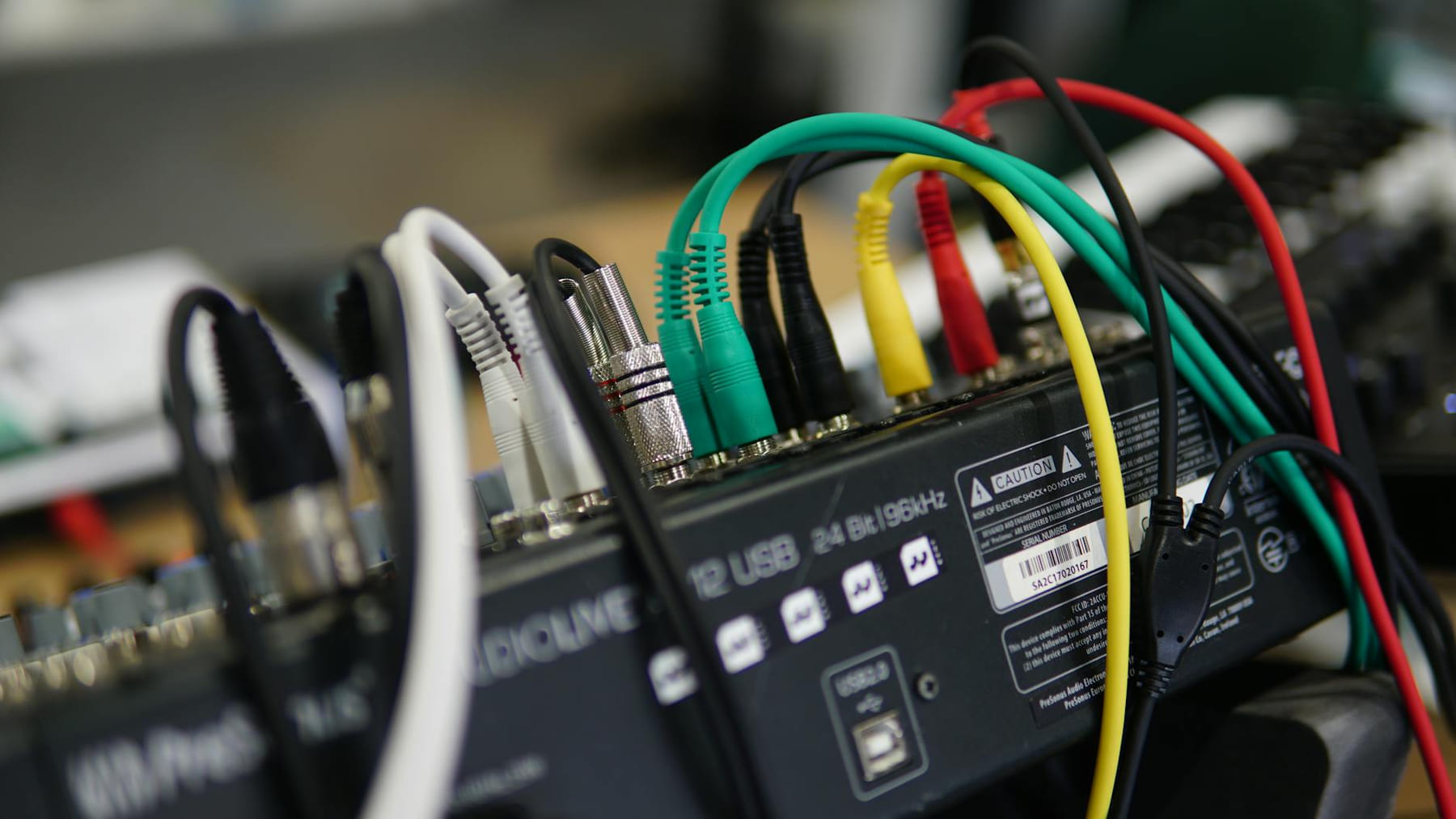
Let’s be honest: buying new audio equipment can be a surprisingly frustrating experience. You spend hours researching, comparing specs, and reading reviews, only to find yourself with a shiny new component that just… doesn’t quite deliver. It’s a common feeling - a sense that you’ve been misled, or that you simply didn’t understand what you were looking for in the first place. Too often, people jump straight into the highest bitrate, assume a perfect fit will magically create amazing sound, or ignore the basics of how their listening space impacts the overall experience. This article is all about steering you clear of those pitfalls, so you can actually enjoy your audio investment.
Decoding Audio Formats - Don’t Just Pick the Highest Bitrate (Audio Tech)
with audio, “bitrate” is a big buzzword. You’ll see it tossed around constantly - “FLAC is better than MP3!” “AAC has the lowest latency!” But simply grabbing the highest bitrate file available doesn’t automatically equal superior sound. The reality is, your ears (and your device) have limitations. FLAC is a lossless format, meaning it preserves all the original audio data. MP3 and AAC are lossy, which means some data is discarded to reduce file size. For most casual listeners, the difference between a 320kbps MP3 and a 160kbps AAC might be barely noticeable.
but if you’re a critical listener - someone who really hears the nuances of music - and you’re using high-end headphones or speakers, then a higher bitrate (like 256kbps AAC or FLAC) will definitely make a difference. But if you’re primarily listening on your commute or while doing chores, a lower bitrate is perfectly acceptable and will save valuable storage space. Think of it like this: a detailed, watercolor painting is great for a gallery, but a simple sketch is perfect for a quick note. It’s about finding the right balance between quality and practicality. You can find a helpful comparison chart here: Audio Format Comparison Guide.
Fit is Everything: Achieving the Right Seal
Seriously, this is huge. You can have the most expensive headphones or earbuds in the world, but if they don’t create a good seal in your ear canals, you’re going to be fighting a constant battle against sound leakage and uneven frequency response. Think about it - sound waves are like ripples in water. If the ripple isn’t contained, it spreads out and weakens. The same happens with sound in your ears.
Ear canal measurement - sometimes called “tympanometry” - is the process of determining the precise dimensions of your ear canals. This information is used to create custom-fit ear tips or adapters. While it might seem a bit technical, it’s often the key to unlocking the full potential of your audio equipment. Foam tips are a good starting point for most people, offering decent isolation and comfort. Silicone adapters, particularly those with multiple sizes, can provide a tighter seal and better bass response. Experimentation is key - try different types and sizes until you find what works best for you. There are some really useful guides online that can help you assess your fit: Ear Tip Fitting Guide.
Taming the Cables - Proper Cable Management
Let’s be honest, tangled cables are a universal annoyance. But it’s more than just a cosmetic issue. Poor cable management can actually degrade audio quality by introducing microphonics - unwanted vibrations that translate into noise. Plus, constantly shoving and pulling on cables can damage the internal wiring, leading to a premature end for your favorite headphones or DAC.
Simple solutions can make a big difference. Cable sleeves protect the cables from bending and abrasion. Velcro straps or cable ties keep things tidy. And don’t underestimate the value of a dedicated cable storage box - especially for longer cables. Cable length matters too; excessively long cables can introduce signal loss, particularly with digital audio. Keep your cables as short as possible while still allowing for convenient placement.
Sound Shaping - Mastering EQ Settings
Equalization, or EQ, is essentially adjusting the levels of different frequencies to shape the sound of your audio. It’s not about fixing problems - good audio equipment shouldn’t need a lot of EQ - but it can be used to enhance the listening experience. Different music genres benefit from different EQ settings. For example, bass-heavy electronic music might benefit from a slight boost in the low frequencies, while classical music might benefit from a more balanced sound across the spectrum.
Start with subtle adjustments - small tweaks to a few key frequencies. There are tons of online tutorials and apps that can help you learn more about EQ. Don't be afraid to experiment, but always listen critically to assess the impact of your changes. Most audio players and streaming services have built-in EQ settings you can easily access.
Room Acoustics Matter - Don’t Ignore Your Listening Space
This one often gets overlooked, but it’s incredibly important. The acoustics of your listening room have a huge impact on how you hear your audio. Hard surfaces - like walls and floors - reflect sound, creating echoes and reverberation. Soft surfaces - like rugs, curtains, and furniture - absorb sound, reducing reflections and creating a more natural soundstage.
Small changes can make a noticeable difference. Adding a rug to a hardwood floor, hanging curtains to absorb sound reflections, or even placing a few acoustic panels in corners can dramatically improve the clarity and detail of your audio. Speaker placement is also crucial - experiment with different positions to find the sweet spot in your room.
Staying Current - Firmware Updates and Device Compatibility
Technology moves fast, and that includes audio equipment. Manufacturers regularly release firmware updates that can improve performance, fix bugs, and even add new features. Always check for updates and install them promptly. It’s a surprisingly simple step that can often make a significant difference.
Also, be mindful of device compatibility. Bluetooth codecs, for instance, can vary in quality and efficiency. Make sure your audio equipment supports the codecs your source device uses. Similarly, a high-end DAC (Digital-to-Analog Converter) won’t be able to deliver its full potential if it’s connected to a device that doesn’t support its features.
Conclusion
Buying audio equipment can be a rewarding experience, but it’s essential to approach it with a clear understanding of the potential pitfalls. By avoiding these common mistakes - focusing on the right format, ensuring a proper fit, managing your cables, understanding EQ, considering room acoustics, and staying current with firmware updates - you’ll be well on your way to enjoying truly exceptional audio. Don’t let a bad investment turn you off from exploring the world of sound. Prioritize quality over just the lowest price tag, and you’ll be rewarded with years of listening pleasure.
Need to protect your investment?
Keep This Practical
The practical next step is to test one listening habit or setup change before replacing everything. That approach usually tells you faster whether the problem is the gear, the settings, or the environment.
Tools Worth A Look
These picks are useful if you want to improve sound quality, comfort, or listening convenience without overcomplicating the setup.
- Legend in MarketingThe Hidden Connections: A Science for Sustainable LivingDemand: The Great Inversion - How to Ignite and Capture Human Desire in the Age of Al12 Pcs Silicone Cable Ties
Some of the links on this page are Amazon affiliate links, which means I may earn a small commission if you make a purchase through them. As an Amazon Associate, I earn from qualifying purchases.
Related ReadingMore from The Tech Shelf
Audio Choices: Reviews & What’s Out There
What’s Out There can be easier to approach when you start with a few practical basics.
Level Up Your Audio: A Step-by-Step Guide
is easier to make sense of when you break it down into the part that matters most first. Instead of chasing every option at once, it usually helps to focus on what.
Level Up Your Listening: Audio Tech Insights
Ever feel like your audio just…doesn’t quite hit the mark? You’re not alone. The audio tech world has shifted dramatically in recent years, and it can feel like.