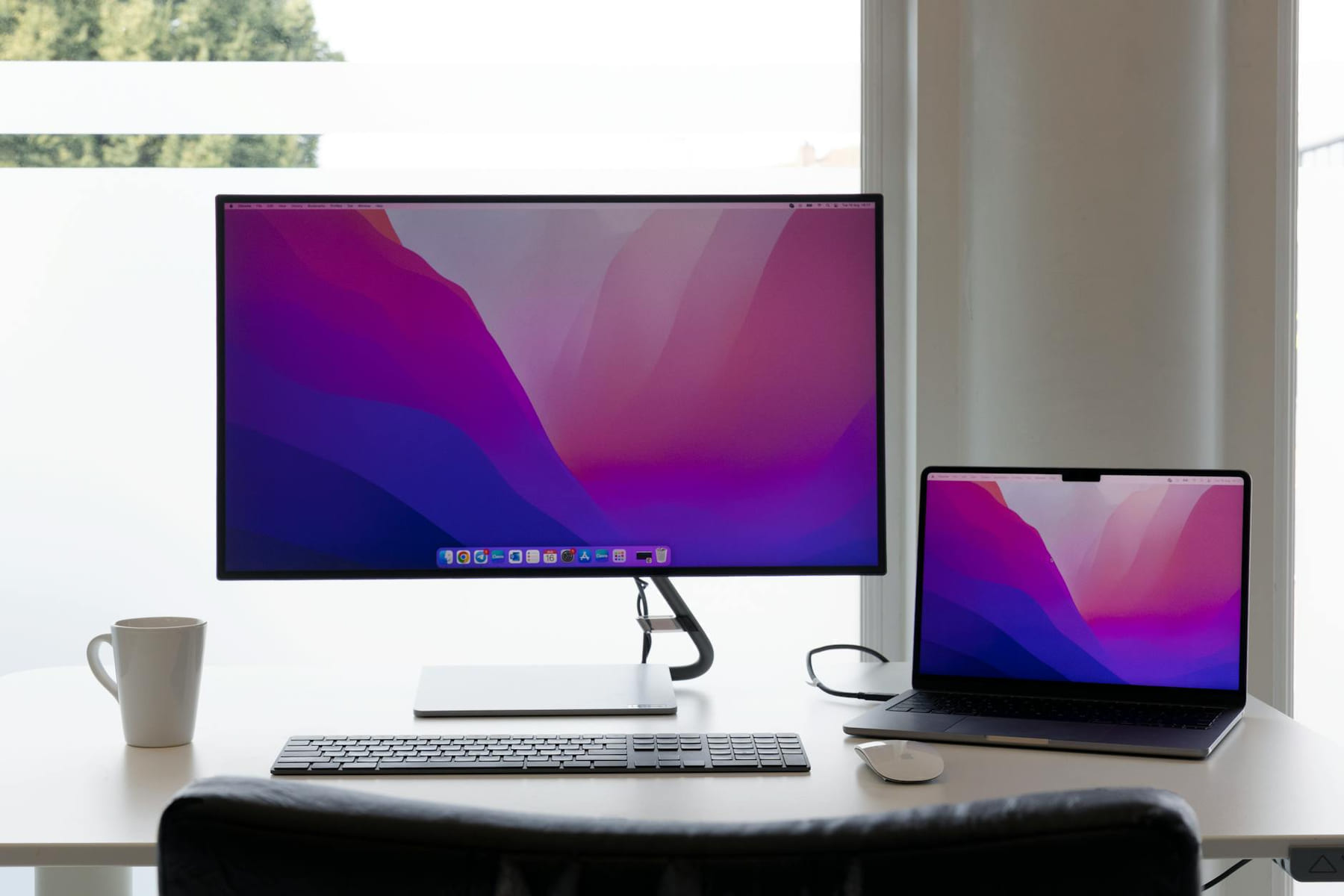
Let’s be blunt. Most tech companies are obsessed with making things look pretty. They slap on fancy finishes, load up software with features you’ll never use, and charge you a premium for it. As Value Verdict, my job isn’t to admire the design; it’s to figure out if the thing actually works and if it’s worth the money. And when it comes to portable monitors, a lot of the hype is just that - hype. You’re buying a screen to extend your workflow, not to win a design award.
I’ve spent the last few weeks putting through a dozen different portable monitors, from budget-friendly options to more premium models. I’ve tested them with everything from productivity apps and photo editing software to streaming video and even some light gaming. The goal? To find the best options for you, based on what you actually need, not what a salesperson wants you to think you want. Here's the breakdown, focusing on what matters: image quality, connectivity, portability, and, crucially, value.
Why a Portable Monitor? It’s Not Just for Travelers
Before we dive into the recommendations, let’s quickly address why you might even want a portable monitor. It's not just for business travelers. Increasingly, people are using them to create a more comfortable and efficient workspace at home. Maybe you’re a graphic designer who needs an extra screen for previews, or a writer who finds it easier to focus with a larger display. Perhaps you simply want a second screen for multitasking - browsing the web while you work on a document, for example. The flexibility is the key.
The Contenders: Our Top Picks
Here's a look at the monitors I’ve tested, categorized by price and performance:
- Best Budget Option: UGREEN 27” Portable Monitor (Around $180)
- The Verdict: This is the most affordable option that still delivers a decent experience. It’s a 4K monitor, which is a nice bonus for the price, but don’t expect retina-perfect clarity.
- Specs: 27-inch, 4K (3840 x 2160), 60Hz, IPS panel, HDMI and USB-C connectivity.
- What I Like: The USB-C connection is fantastic - it charges your laptop and transmits video simultaneously, simplifying setup. It's surprisingly lightweight and compact.
- What I Don’t Like: The colors aren’t vibrant, and the viewing angles are a bit limited. The 60Hz refresh rate can feel sluggish for some tasks.
- Best All-Rounder: AOC 27” 4K Portable Monitor (Around $250)
- The Verdict: This monitor hits a sweet spot between price and performance. It’s sharp, responsive, and offers a good level of color accuracy.
- Specs: 27-inch, 4K (3840 x 2160), 60Hz, IPS panel, HDMI and USB-C connectivity.
- What I Like: Excellent image quality for the price. The USB-C port is reliable and charges efficiently. It’s reasonably portable, though not the lightest.
- What I Don’t Like: The stand is basic and doesn’t offer much adjustability.
- Premium Choice: Lepow 32” 4K Portable Monitor (Around $350)
- The Verdict: If you’re willing to spend a bit more, the Lepow 32” offers a significantly better experience, particularly in terms of brightness and color accuracy.
- Specs: 32-inch, 4K (3840 x 2160), 60Hz, IPS panel, HDMI and USB-C connectivity.
- What I Like: The 32-inch size is fantastic for productivity. The brightness is noticeably higher than other monitors in this category, making it easier to use in brighter environments. The color accuracy is good, suitable for photo editing.
- What I Don’t Like: It’s heavier and bulkier than the other options. The price is a significant jump.
- The Connectivity King: ASUS ZenScreen MB16ACE (Around $220)
- The Verdict: If you prioritize connectivity above all else, the ZenScreen is hard to beat. It’s a 15.6-inch monitor, which is smaller, but it offers a surprisingly robust set of ports.
- Specs: 15.6-inch, Full HD (1920 x 1080), 60Hz, IPS panel, HDMI, USB-C (with DisplayPort Alt Mode), USB-A.
- What I Like: The USB-C port with DisplayPort Alt Mode is incredibly versatile - it can handle video, data, and power. The built-in speakers are a nice bonus.
- What I Don’t Like: The smaller screen size might not be ideal for everyone.
Key Features to Consider
Beyond the basic specs, here are a few features that can make or break your portable monitor experience:
- Panel Type (IPS vs. VA vs. TN): IPS panels generally offer the best color accuracy and viewing angles, making them ideal for creative tasks. VA panels provide deeper blacks but can suffer from contrast issues. TN panels are the fastest but have the worst color reproduction. For a portable monitor, IPS is usually the best choice.
- Refresh Rate: 60Hz is standard and perfectly adequate for most tasks. Higher refresh rates (120Hz or higher) are beneficial for gaming, but they’re rarely found in portable monitors.
- Connectivity: USB-C with DisplayPort Alt Mode is the gold standard. It allows you to charge your laptop and transmit video simultaneously, simplifying setup and reducing cable clutter. HDMI is a reliable backup.
- Brightness: Look for a monitor with at least 250 nits of brightness for comfortable viewing in moderately lit environments.
- Portability: Consider the weight and size of the monitor when you’re thinking about portability. A heavier monitor will be more cumbersome to carry around.
The Missing Piece: Docking Stations
Let’s be honest, many portable monitors come with limited connectivity. If you want to turn your portable monitor into a full desktop setup, you’ll likely need a docking station. These devices provide additional ports, including USB hubs, Ethernet, and sometimes even SD card readers. The Kensington SD5700T is a solid, reliable option that’s compatible with most monitors. Budget around $100-$200 for a good docking station.
Final Verdict: What’s Worth the Investment?
A portable monitor isn’t a luxury; it’s a productivity tool. The best option for you depends on your budget and your needs. If you're on a tight budget, the UGREEN 27” is a surprisingly capable option. For a balance of performance and value, the AOC 27” is a great choice. If you want the best possible image quality and are willing to pay a premium, the Lepow 32” is worth considering. And if connectivity is your top priority, the ASUS ZenScreen MB16ACE is hard to beat.
Don't get caught up in the marketing hype. Focus on the features that matter most to you, and you'll find a portable monitor that will genuinely level up your screen and boost your productivity. And remember, I'm here to help you cut through the noise and find the best value. Now, if you'll excuse me, I have a few more monitors to test.
Keep This Practical
Consumer tech gets easier to navigate when you focus on the decision in front of you, not the entire market. Pick the next practical move and let it guide the rest of the setup.